Your Bose speakers still work.
Now your app does too.
The SoundTouch app stopped working in May 2026. Revive ST brings back full control of your speakers, no account needed.


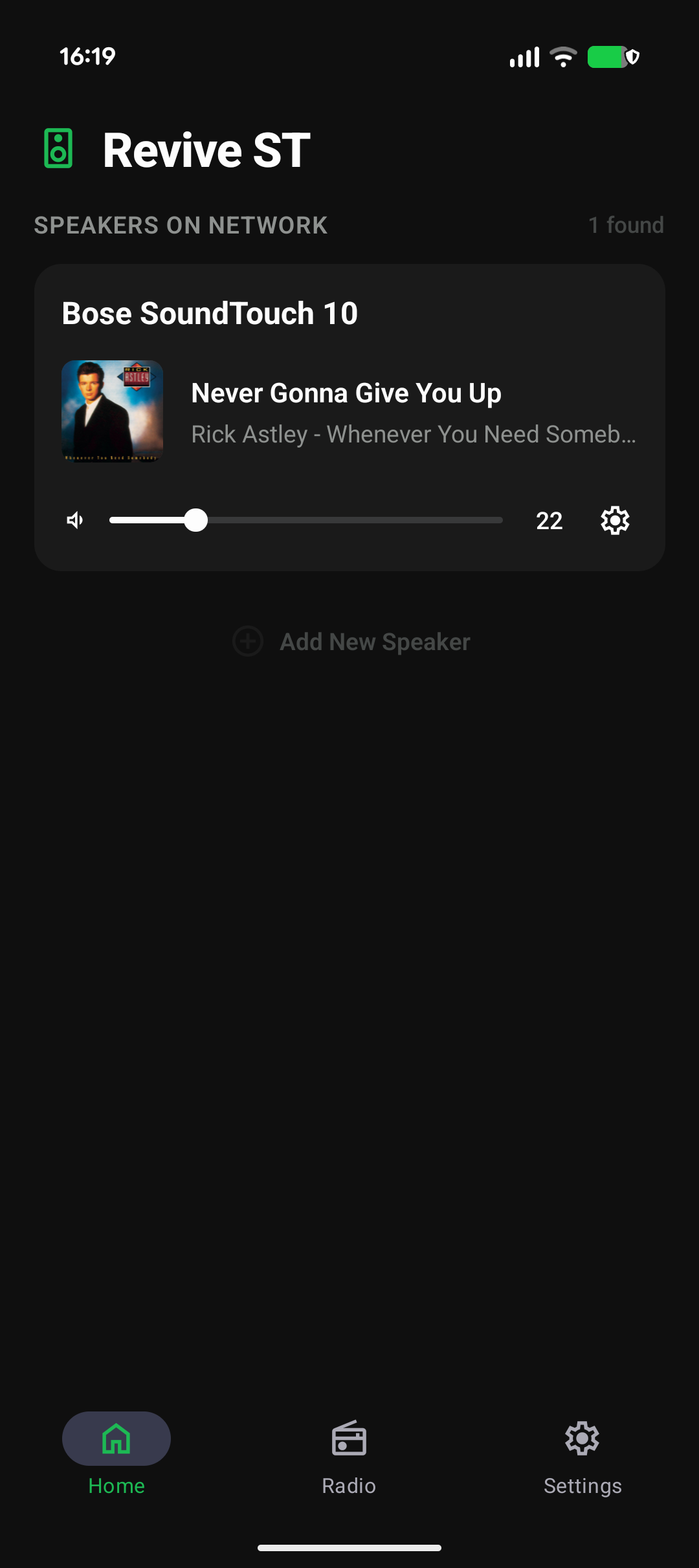
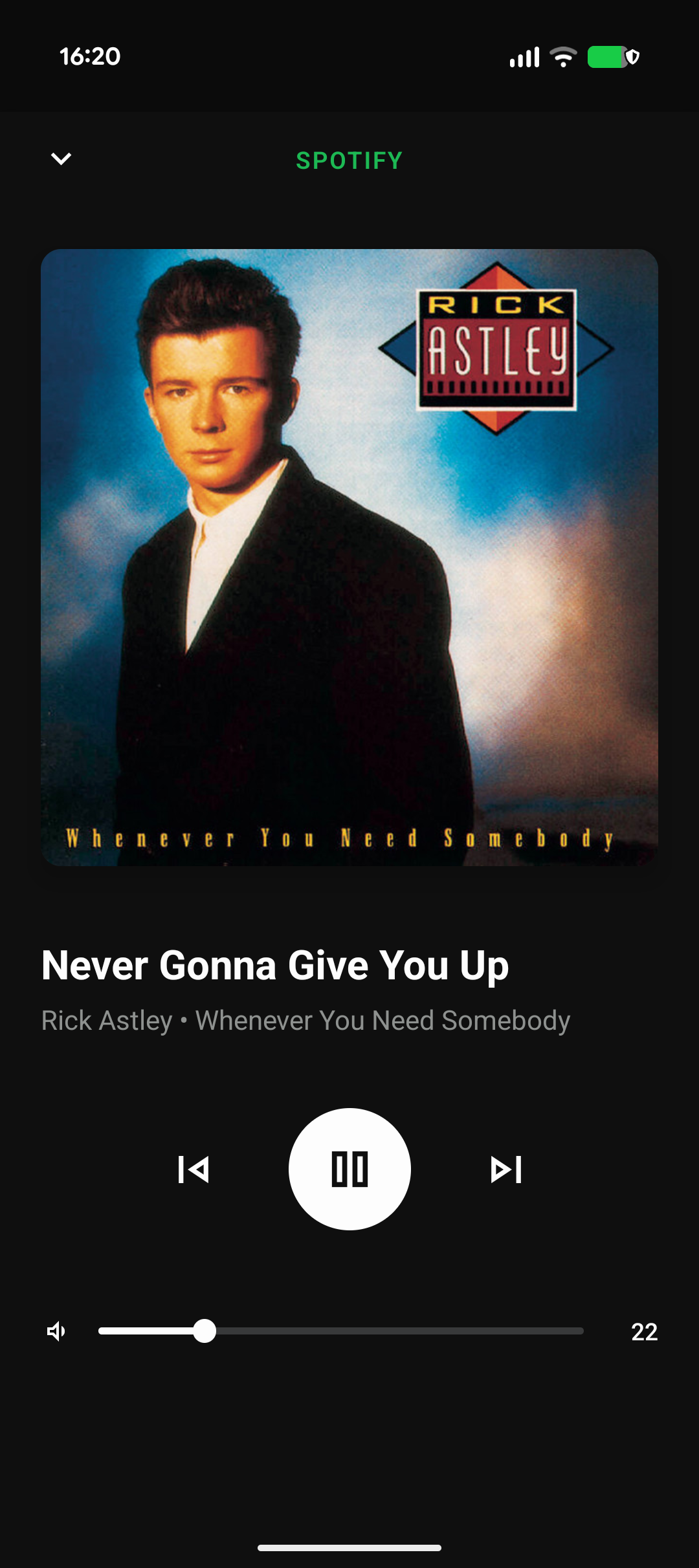
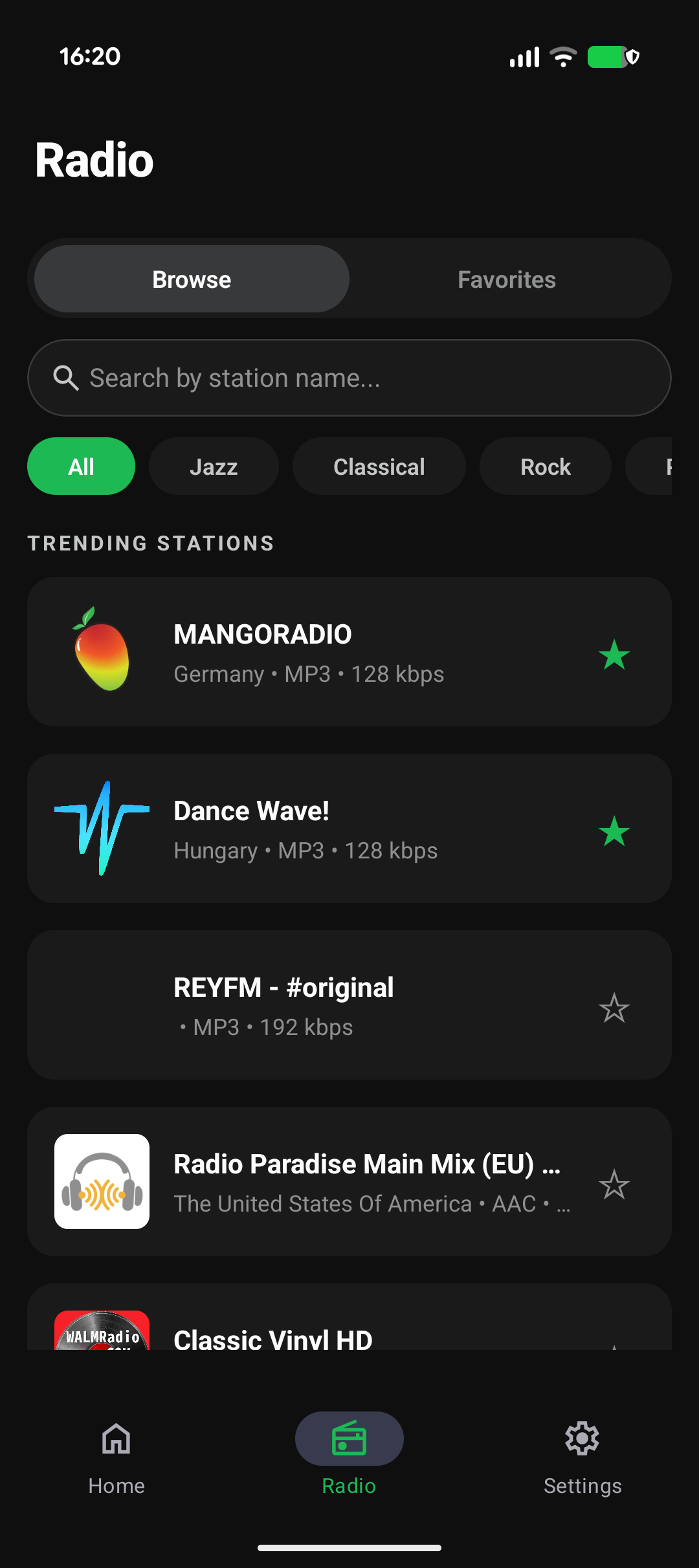
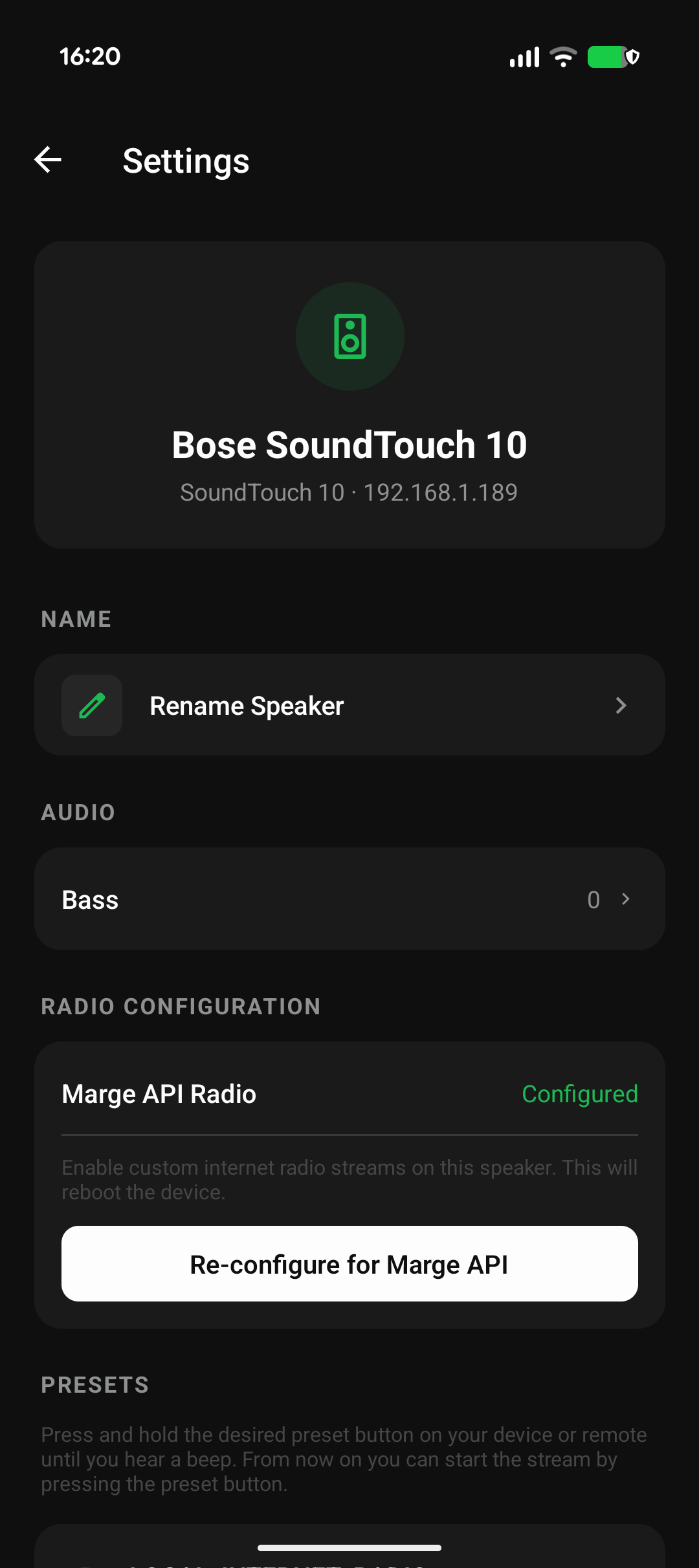
Revive ST is fully open source. The code lives on GitHub and anyone can run or compile it themselves, so nothing like this can ever happen to you again.
View source on GitHub →The SoundTouch app was shut down. Your speakers lost their key features.
In May 2026, the SoundTouch cloud servers were switched off. Preset buttons stopped responding, internet radio stations disappeared, and multi-room control broke entirely. Speakers that cost hundreds of dollars were left without a way to control them.
Your hardware is perfectly fine. All it needed was a new app.
Everything the original app had and a few things it never did.
Preset buttons restored
Your six physical buttons work again. Press them and your speaker plays exactly what you set, just like before.
Full playback control
Play, pause, skip tracks, and adjust volume from your phone. Fast, responsive, no login screen in the way.
Internet radio
Thousands of stations available through Radio Browser. Find and save your favorites.
Multi-room audio
Group any speakers on your home network and control them together or one at a time.
EQ and audio modes
Adjust bass and treble, or switch on Dialog, Night, or Direct DSP modes to get the right sound for any room.
No account. No cloud.
Revive ST runs entirely on your local Wi-Fi. Nothing leaves your home, and there is no server that can be switched off.
Up and running in three steps.
Download the app
Install Revive ST from the App Store or Google Play.
Find your speakers
The setup wizard scans your home network and finds every SoundTouch speaker automatically. No IP addresses, no manual setup.
Take control
Your speakers are back. Play music, restore your presets, group rooms, and use your physical buttons again.
The code is yours, forever.
Revive ST is fully open source, which means anyone can read it, check it, and run it. Even if the project stops being maintained one day, the app keeps working. You can download the code from GitHub and build it yourself for free, at any time.
If you want to support the project and get automatic updates, you can grab it with a one-time purchase on the App Store or Google Play.
Which speakers does Revive ST work with?
Every Bose SoundTouch speaker that used the original app — the SoundTouch 10, 20, 30, Portable. If the original SoundTouch app controlled it, Revive ST will too.
See supported speakers →How hard is the setup?
The app walks you through it step by step. Open Revive ST, and it automatically finds every SoundTouch speaker on your network. A one-time configuration wizard connects each speaker to your network — after that, everything just works.
What features are supported?
Playback control (play, pause, skip, volume), hardware presets, internet radio with favorites, bass and treble EQ, speaker renaming, source switching (Bluetooth, AUX, Wi‑Fi Audio), and real-time sync across devices. Multi-room zone control is coming soon.
How can I help?
Revive ST is a community project. You can report bugs, request features, or contribute code on GitHub. If you just want to support the work, downloading the app from the store is the easiest way.
Your speakers are still good.
Get them working again.
One purchase, no subscription, full control on your local network.